Command for extract zip/rar file in Ubuntu


Hi Friends,


If you want to extract zip/rar file in ubuntu, but you are not able to open it. In view of that i am going to share some basic command for install zip/rar in ubuntu operating system.


By using this command you can easily open any zip/rar file in your Ubuntu desktop.

For running this command you will have to follow below steps.------------


Go to terminal (Alt+ctrl+T)


sudo apt-get install p7zip-full


sudo apt-get update


How to Extract Zip/Rar file in Ubuntu


Now you can open your zipped file.


How to Disable/Enable Pen Drive in Ubuntu


Hi Guys,

Do you know how to disable or enable pen drive in ubuntu? If you want to know, i am going to share it.


For Disable Pen Drive-


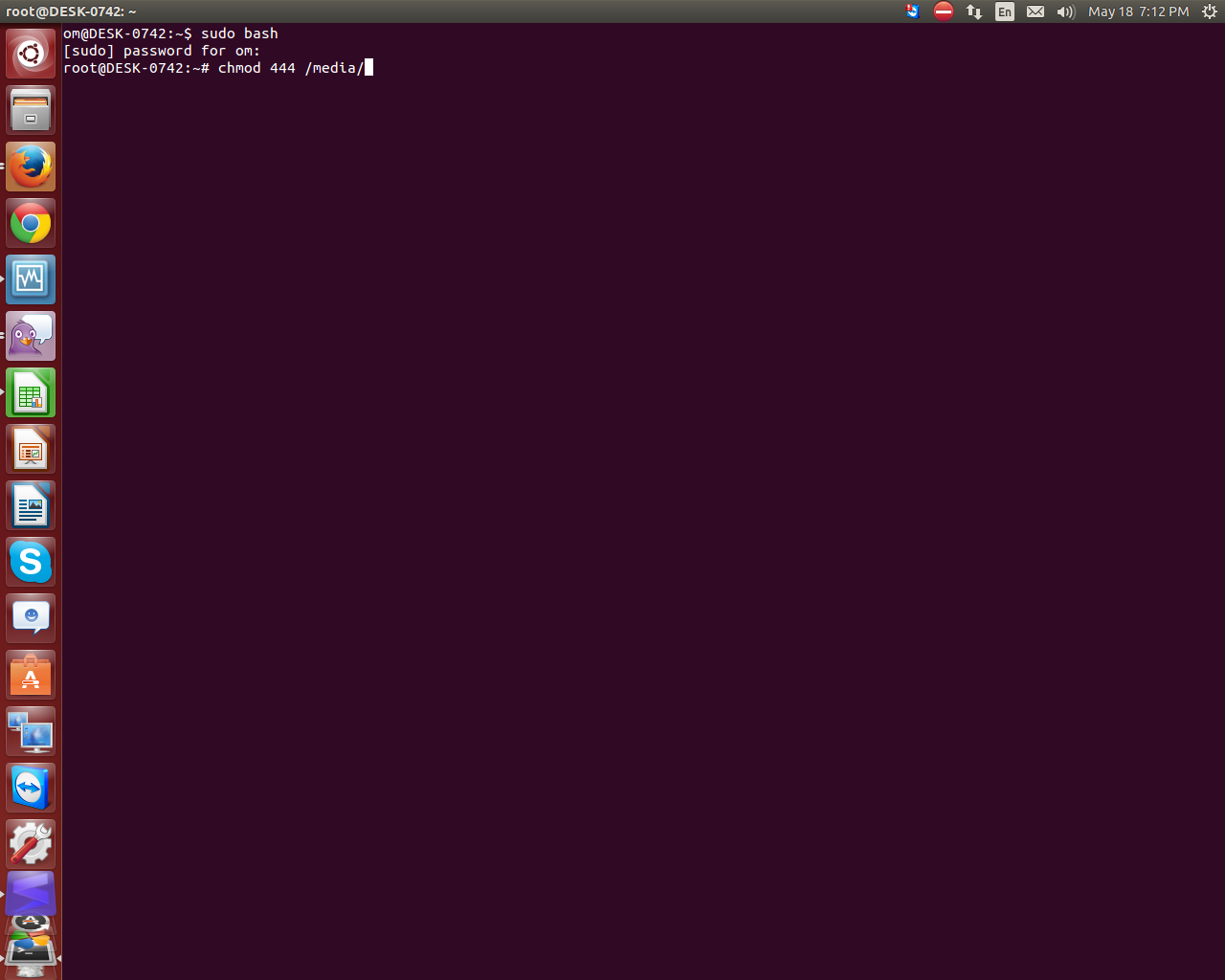
 First of all go to ubuntu terminal by pressing (Alt+cntr+T)
 then type below command,

sudo bash

password of your desktop administrator-

chmod 444 /media/
sudo apt-get update


Now your Desktop/Laptop Usb port/ Pen drive will be disabled.


How to block USB Port in Linux/Ubuntu

Hi,

Today i am going to share you that, how to block usb port in Ubuntu.

If you want to block usb port of any Desktop/Laptop, then you have follow below step.

Open the terminal by Press Alt +Cnrl+ T.
Type below command-

sudo bash
chmod 444 /media/


     After that your Desktop USB port will be blocked.
 

Related Posts Plugin for WordPress, Blogger...